

Game sessions
Get the squad together whenever you’re ready.

Play now
Open a session for players who are ready to jump in.
Schedule
Pick a time and invite your teammates in advance.
Find a duo for Battle Royale or fill the last place in your Clash Squad team.
Also on

44K+
Players
26K+
LFG posts
31
Games
Sound familiar?
Queue, get randoms, lose, queue again. Solo turns your evening into the same loop.
Your night
on repeat
20:00
Queue solo
20:14
Toxic duo, no comms
20:38
Defeat
21:00
Queue again…
Teamplay breaks the loop
Find your people, get a game going and stay connected with your squad.
Get the squad together whenever you’re ready.
Open a session for players who are ready to jump in.
Pick a time and invite your teammates in advance.
Find teammates by experience, roles and play style.
Make plans in the session chat and hop into voice when it’s time to play.
Stay in touch with teammates you clicked with and get the same squad back together.
Create a post, match with players, and jump into the game together.
Choose Free Fire and describe the match you want to play.
New post
Choose your game
Browse live posts or let teammates come to you. Filter until the fit is perfect.
Free FireXbox
27 y.o.
·
Female
·
·
SV
5 minutes ago
6
Free FirePC
22 y.o.
·
Male
·
·
EN
9 minutes ago
4
Free FirePlayStation
25 y.o.
·
Female
·
·
JA
18 minutes ago
3
Agree on a start time and exchange in-game IDs in chat.
‹
Alex
online
Battle Royale duo
2/5
In voice
Alex speaking
Ready to find your squad?
Find teammatesMade for Free Fire
Compare experience and preferred modes. Before starting, agree on a region, language and voice chat.
Example player

Looking for teammates
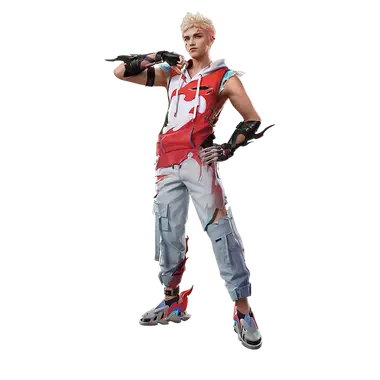
Mains A-Patroa
What we match you on in Free Fire
Rank
8 options
Characters
62 options
Game mode
6 options
Experience
5 options
Goal
4 options
Share your link or LFG banner on Discord or social media.


Free Fire
Plan a Battle Royale drop or get four players together for Clash Squad. Ask about voice chat and preferred characters before you enter the lobby.
Find teammates
Choose the mode and experience you prefer, then open a post or create your own. Agree on your region and exchange Free Fire IDs in chat.
Yes. Teamplay helps you find Free Fire teammates using platform and available game filters. Browse LFG posts, check profiles and agree on a time to play. Searching and posting are free.
Create a Free Fire post describing the duo partner you need, or respond to a suitable post. Check platform, available game preferences and time to play, then agree on how you will communicate.
Teamplay organizes the search around games, platforms, languages and available game filters. LFG posts stay in a searchable list, and sessions have a start time and team roster. You can talk on Teamplay or use Discord if your squad prefers it.
You can create an account, publish LFG posts, join sessions and use chat and voice for free. These features do not require a subscription or payment details.
Yes. You can sign in with Discord, receive updates in Discord direct messages and join sessions that use a Discord voice channel. Server owners can add the Teamplay LFG bot. Discord is optional for finding teammates and using voice on Teamplay.
The game catalog is the current list of supported games. Each game has its own platforms and search options, such as modes, ranks or roles. If a game is missing, suggest it through the feedback form and tell us what you would like to play.
Browse games →Choose your game and find teammates ready to play
Latest Articles
4 min read
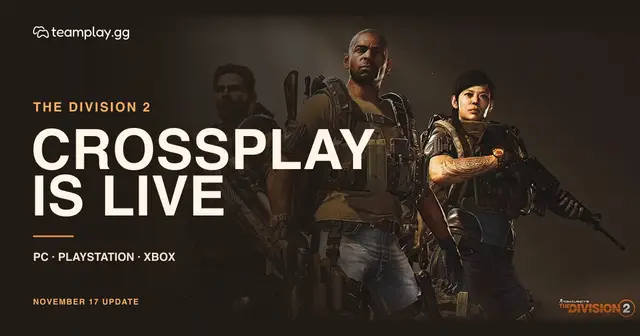
Learn how to squad up across PC, PlayStation and Xbox in The Division 2, what happens to your clan, and how to earn Shepherd Event rewards through November 26.
5 days ago
7 min read
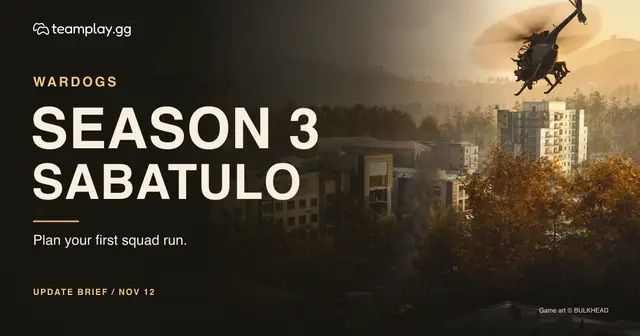
What changes in WARDOGS Season 3 on November 12: the Sabatulo map, the wipe, Gold Bars, multi-track unlocks, Limited Mode and the anti-cheat rollout.
11 days ago
6 min read
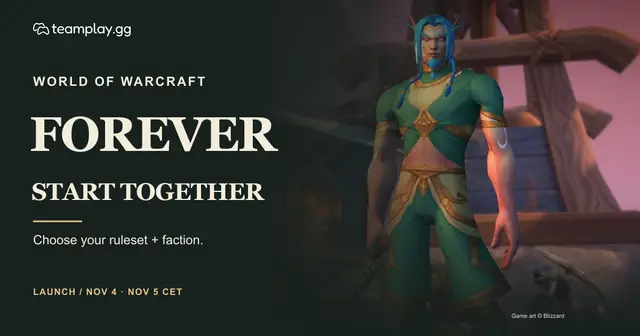
Prepare for WoW Forever: launch times, subscription access, ruleset and faction choices, new dungeons and a practical first session with friends.
19 days ago
Chat, find teammates and share your ideas for Teamplay.
Find teammates, chat with your squad, and plan your next game. Choose the app for your device.