/
Fortnite/
Fortnite Fortnitemares 2026: what is live, what comes next, and how to plan your squad night
Fortnite Fortnitemares 2026: what is live, what comes next, and how to plan your squad night
02 October 2026
·
10 min read
Fortnitemares 2026 is already here. Fortnite’s October event launched on October 1 with v42.30. Battle Royale has new threats to investigate, Horde Rush is back, and Reload’s refreshed Nitemare Island follows on October 8. The event runs until November 1.
This is a good update for a squad with different reasons to return. One player may want to investigate a boss, another may prefer cooperative survival, and someone else may only have time for a few quick matches. Agreeing on that choice before you queue can make the evening feel like a shared plan instead of four separate objectives.
Teamplay is a place to describe the kind of Fortnite session you want and find teammates for it. Below, we separate the released changes from the next October dates, then suggest ways to choose a mode and organise your first games together.
Fact-checked October 2, 2026. Dates and features below follow Epic’s official announcements. Our squad-planning suggestions are editorial recommendations, not an established competitive strategy.
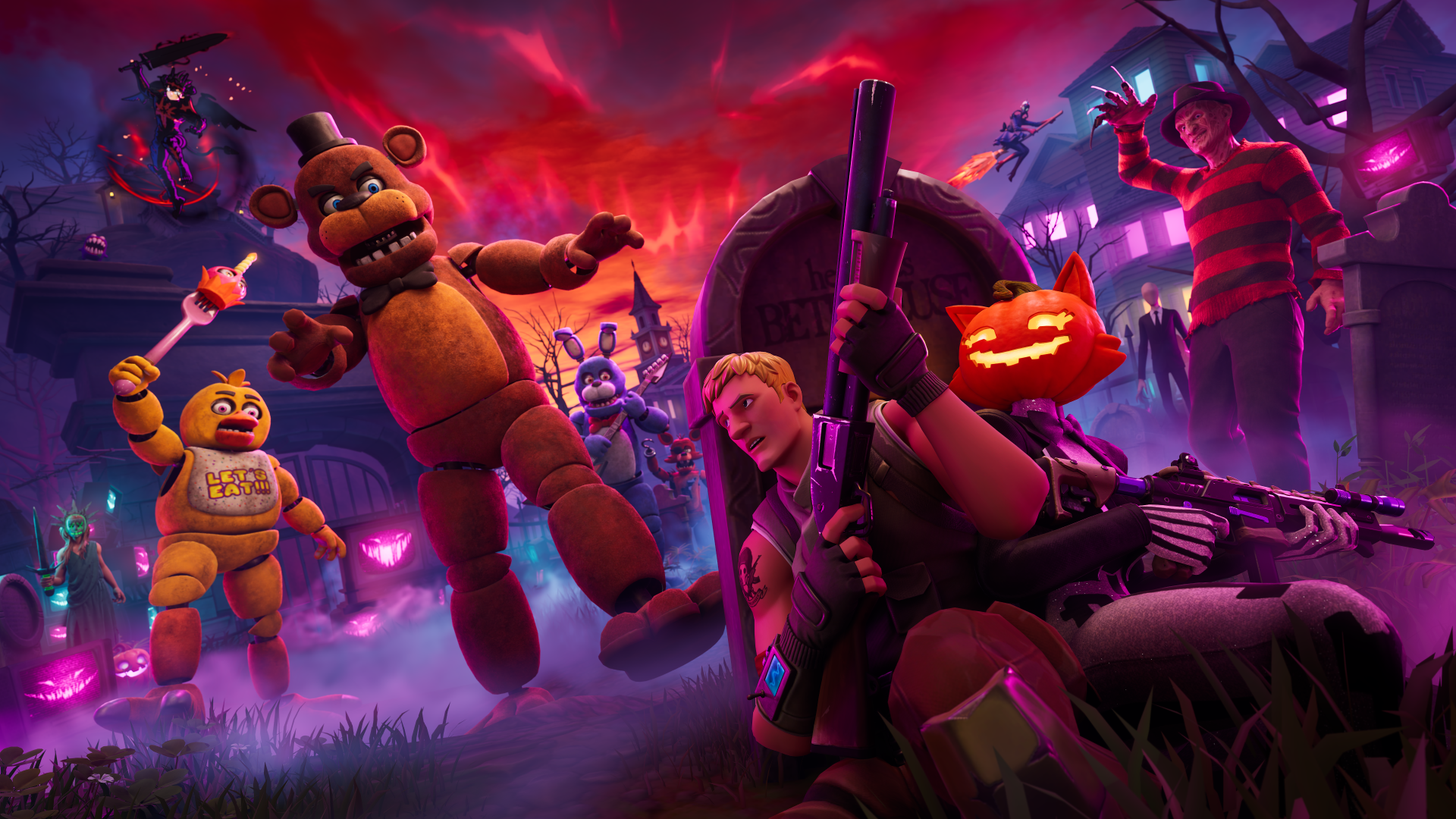
Epic’s Fortnitemares key art. Image: © Epic Games; characters belong to their respective rights holders. Official announcement.
Start with the October calendar
You do not have to wait for every part of the event to arrive before playing. There are several useful dates for deciding when to gather your group:
- • October 1: Fortnitemares and v42.30 launched.
- • October 3, 18:00 UTC: the first announced Power Hours start.
- • October 4, 01:00 UTC: the second Power Hours start. This is October 3 at 9 p.m. Eastern Time.
- • October 8: the refreshed Nitemare Island arrives in Reload.
- • October 15: Honey and Obsession Sprites are scheduled to arrive.
- • November 1: the announced end date. Epic’s post does not specify the exact ending time.
The two Power Hours entries are particularly easy to mix up across time zones. Share the actual date and start time your group will use, rather than writing “Saturday night” and assuming everyone means the same thing.
If your friends cannot make the weekend event, there is still a reason to play now. You can spend the first session learning the changes and reserve another evening for Reload after its October 8 update. A missed event slot does not have to cancel the whole group’s return.
Battle Royale: choose one thing to discover first
The most recognisable additions give your squad a few distinct objectives:
- • Nightmare Neighborhood: encounter Freddy Krueger. Defeating him rewards Freddy’s Nightmare, which lets you teleport into range and slash opponents.
- • Bonerattler SMG: a new weapon that reveals enemies. The Wood Stake Shotgun and Pumpkin Launcher also return.
- • Animatronic possession: defeat a Five Nights at Freddy’s animatronic to possess it. Losing the shell’s health gives brief elimination protection before you return to your character.
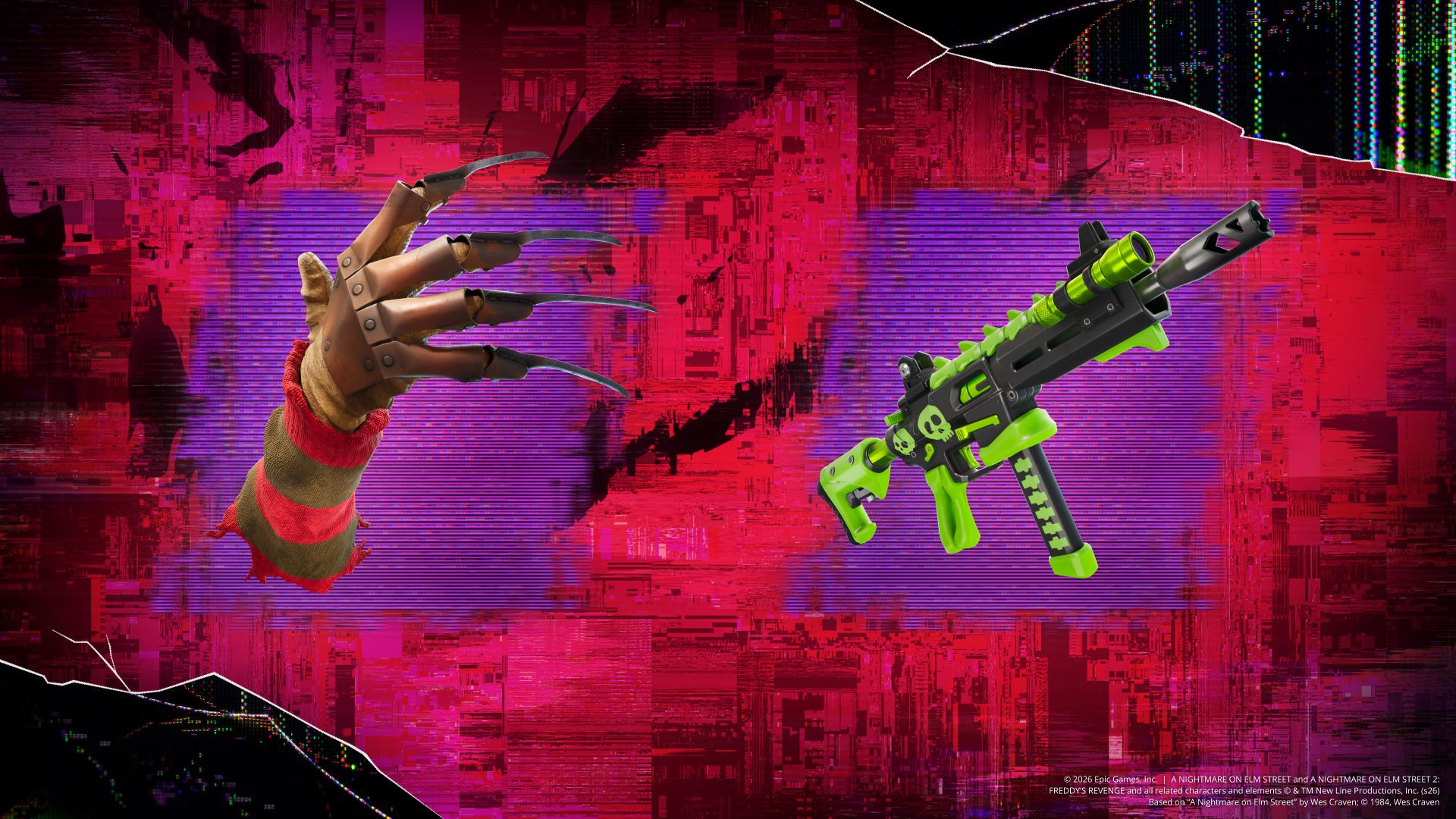
Freddy’s Nightmare and the Bonerattler SMG. Official game artwork: © Epic Games and respective rights holders. Source.
Our suggestion for the opening games is to choose one of those objectives together. Trying to inspect every new item, chase a boss and play for the win at the same time can pull a returning group in several directions.
Before committing to an encounter, agree on the immediate plan: who is staying close, whether you are experimenting or prioritising survival, and when to leave if the situation becomes messy. The useful outcome of an exploratory match is a shared observation you can use in the next one.
That distinction matters for mixed groups. An experienced player may be comfortable taking a risky detour while a friend is still remembering their controls. Say which kind of game you want before the drop, then give everyone room to follow the same objective.
The animatronics change more than the scenery
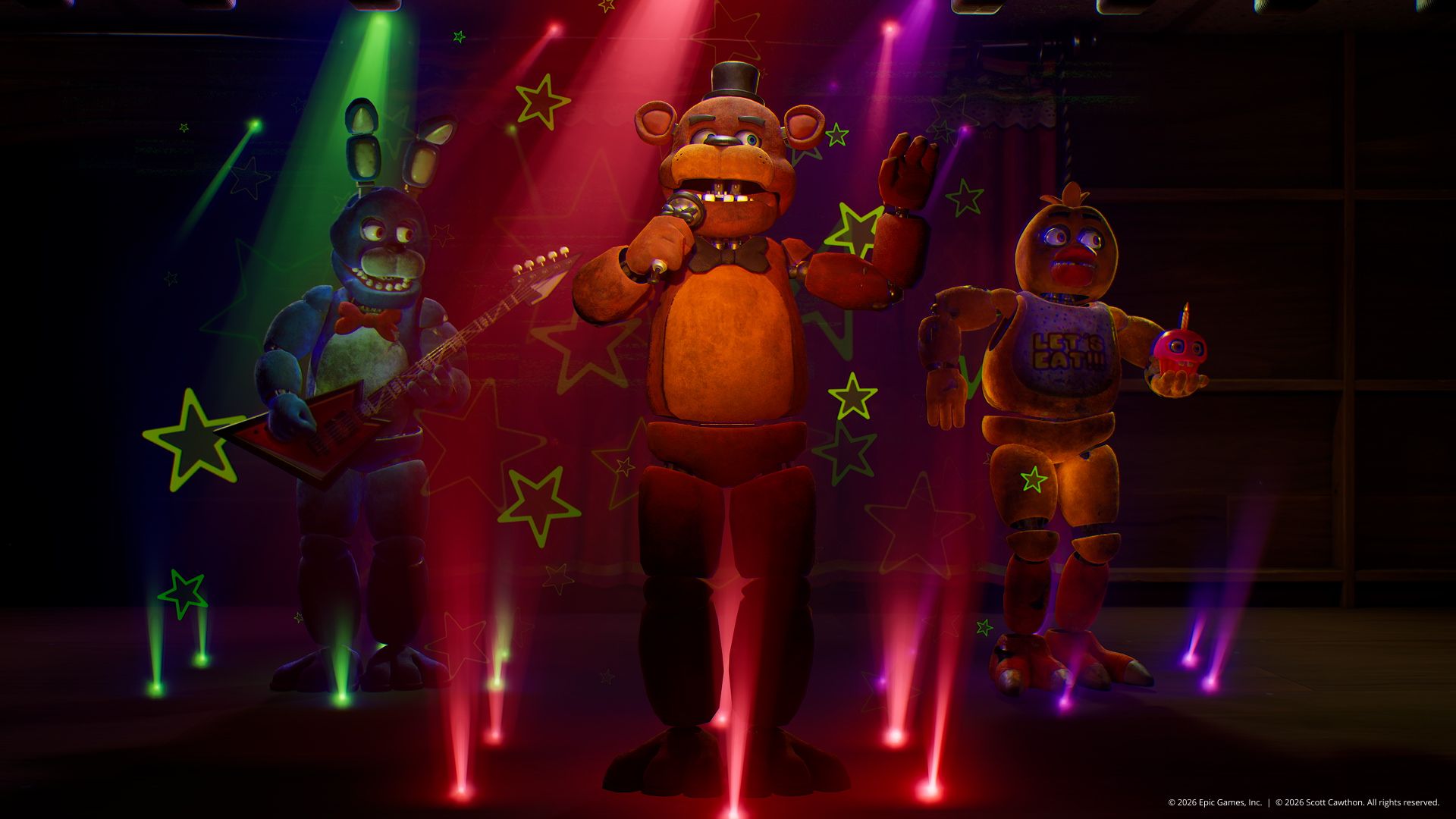
The animatronics on stage in Epic’s announcement. Image: © Epic Games and Scott Cawthon; original credit retained in the image. Source.
A familiar character is an easy reason to investigate, but it is not a complete explanation of the encounter. Treat your first attempt as a chance to learn what happens, rather than assuming a recognisable design tells you exactly how to play against it.
For a squad trying possession, discuss what you observed afterward. What changed when the shell broke? Did your teammates know where you were going? Would you take the same fight again? Those questions are more useful than judging the whole feature from one surprising elimination.
Keep gameplay and cosmetics separate. The announcement also introduces Five Nights at Freddy’s Outfits with battle-damage details in the Shop. Buying an Outfit is not a requirement for trying the boss mechanic.
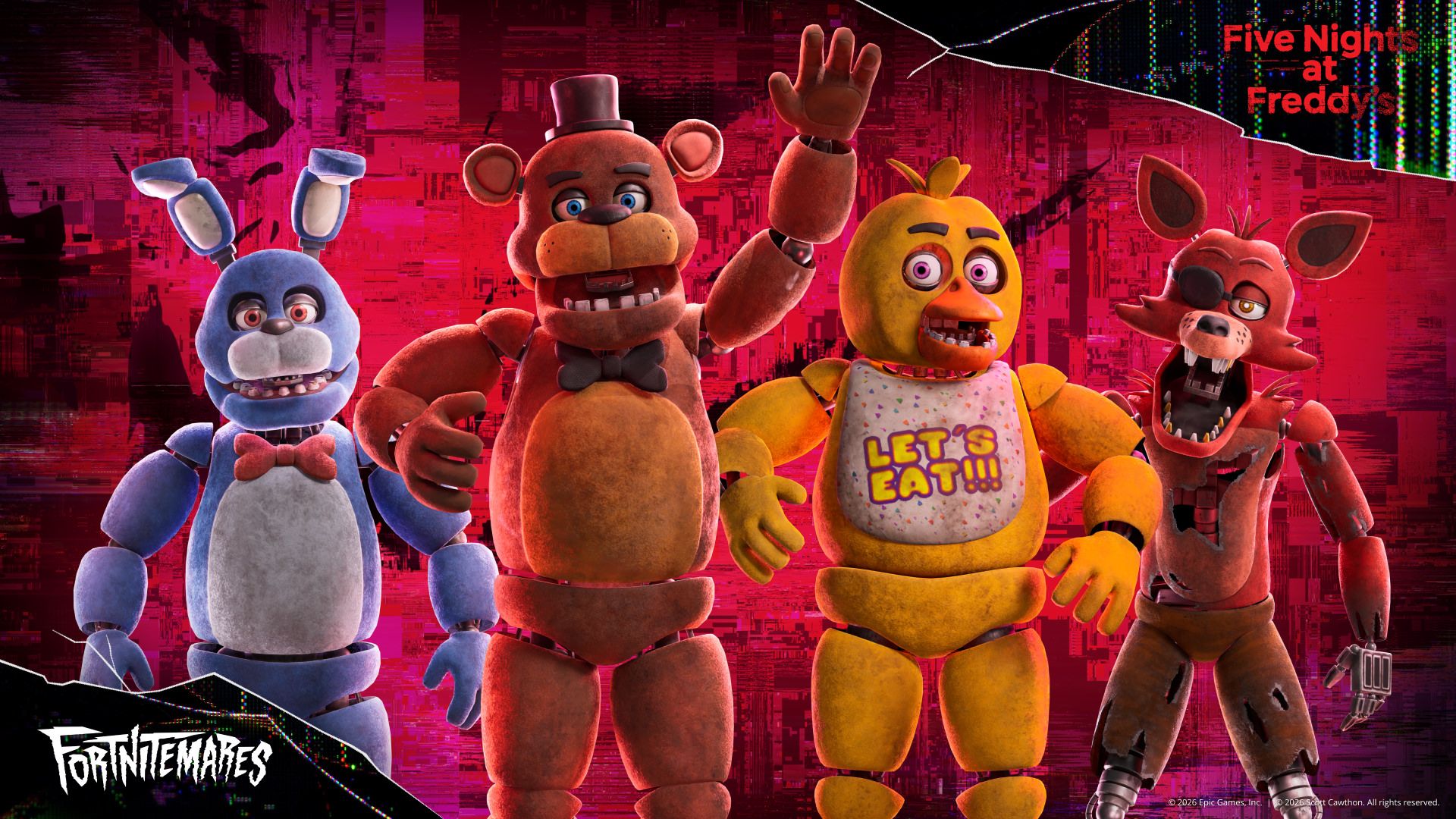
Five Nights at Freddy’s Outfits. Cosmetic artwork: © Epic Games and Scott Cawthon; embedded credits preserved. Source.
New effects: read, test, then adapt
Fortnitemares adds Overrides including Spooky Sprinter for invisibility while sprinting, Berserk for increased damage at low health, and Spooky Prop Hunt for Halloween disguises. New Sprites include Spooky Dash, Vampire, The Deer and Dumpster Dive; more arrive later.
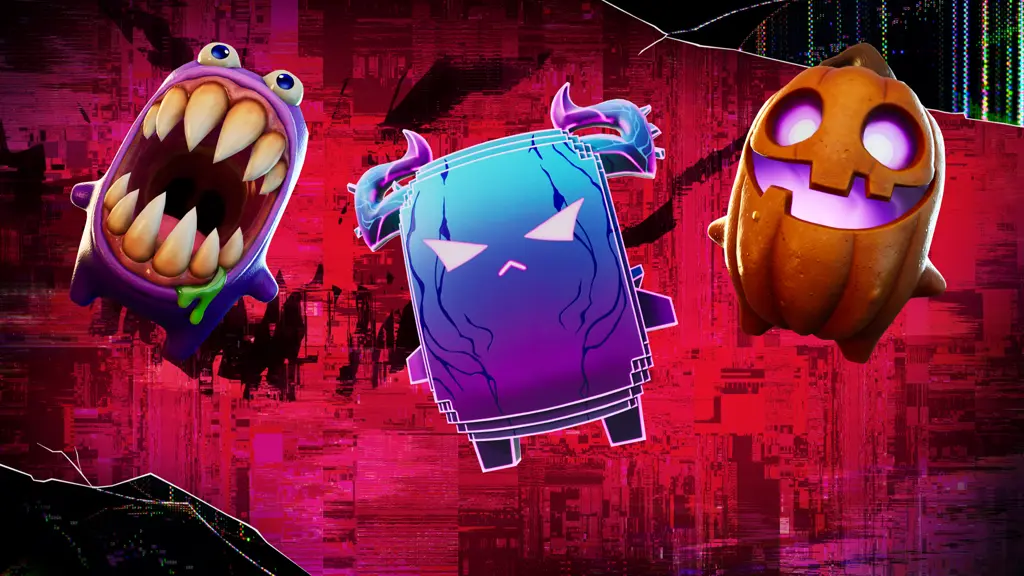
Sprites featured in Epic’s community update. Official artwork: © Epic Games. Source.
Read the current effect before building a plan around its name. For example, “invisible while sprinting” describes a condition. It does not mean you should assume permanent invisibility during every action.
When playing with new teammates, keep your explanation short and concrete: the effect you have, what you intend to try, and the help you need. A quick shared plan is easier to follow than a running commentary on every pickup.
For a group returning after a break, one experiment per match is enough. You can compare what happened under similar circumstances, instead of changing several things and being unable to tell which one made a difference.
Playlist differences matter: Epic says Ranked and Competitive receive only part of the Fortnitemares loot changes. Check the playlist you actually plan to play; do not assume the full event selection appears everywhere.
Choose a mode that fits your evening
The update extends beyond the main Battle Royale session:
- • Horde Rush: cooperative waves, perks, weapon purchases and upgrades, Cursed Shrines and Endless Mode after the final boss.
- • Blitz Royale: faster encounters with event equipment, including Ghost Face’s Last Call.
- • Reload, from October 8: refreshed Nitemare Island, Siphon loot, and Stranger Things and Squid Grounds in the rotation.
Here is how we would choose between them. These are recommendations about the kind of evening to organise, not claims about the easiest mode or the fastest rewards:
- • Explore the event: start with Battle Royale and agree on one feature to investigate.
- • Work toward a shared survival goal: consider Horde Rush. Discuss upgrades and what the group wants to improve between attempts.
- • Play a shorter session: consider Blitz, and make your available time clear before inviting others.
- • Return for the next map change: plan a Reload evening after October 8 and recheck the available rotation.
The most useful choice is the one everyone understands. If your group wants different things, split the evening into two agreed parts rather than switching modes after every disappointing result.
For Horde Rush, a brief check-in after a run can keep the next attempt focused. Pick one adjustment, such as discussing purchases earlier or staying aware of each other’s position. Give that change a fair try before replacing it with another plan.
Power Hours: organise the start
The announced October 3 sessions start with Dual Fiend Hunters, make Bounty Hunter Sprites more common, and allow possible 1-Up Token and Portable Extractor chest drops.
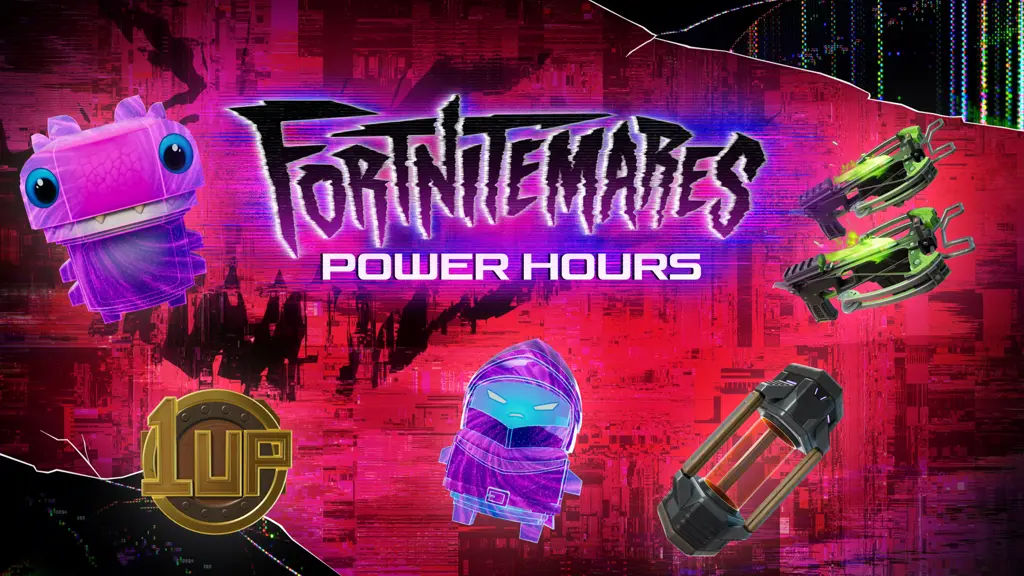
The announced Power Hours theme. Official artwork: © Epic Games. Source.
Use the calendar above for the two start times. Epic’s announcement does not specify their duration, so do not promise your group an invented closing time.
A little preparation gives you more time to play once everyone is ready:
- 1. Choose one slot: send the full date and time with a time zone.
- 2. Confirm availability: check who can join from the beginning and who may arrive later.
- 3. Update beforehand: allow time to launch the game and check your microphone.
- 4. Agree on the playlist: recheck the event information before queuing.
- 5. Keep a fallback: decide whether the group wants ordinary event games if the planned slot does not work out.
That final step is especially useful when finding new teammates. A clear alternative prevents a scheduling problem from becoming an evening in which everyone waits for someone else to decide.
Check the small changes before queuing
v42.30 improves item-pickup priority, restores stationary Reboot Vans, and fixes Recent Players and North American Compete-tab issues. On PC, Epic Quality Assets replaces the High Resolution Textures option; cosmetics still download on demand.
Before inviting the group, launch Fortnite once and check the controls and audio you rely on. For PC players considering the new install option, review the launcher’s description and your available storage before starting a download during your planned session.
The platform notes are worth checking separately. Epic’s known-issues post, last updated October 1 at 1:31 p.m. ET, said the Google Play version was still coming soon. It also warned that tapping a Reboot Van’s on-screen icon might not activate it, with the Interact button as a workaround. Check the linked live post for subsequent fixes before making a platform-specific plan.
Read Epic’s current fixes and known issues.
Give your first squad night a clear shape
Your first evening does not need to become a test of every mechanic. A simple structure leaves room for surprises while keeping the group together:
- 1. Pick the goal: discovery, cooperative survival, shorter matches or a focused competitive session.
- 2. Choose the opening set: agree which mode and one thing you want to learn.
- 3. Check in afterward: ask what everyone wants to repeat or change.
- 4. Plan the next session: keep a useful observation and choose another October date if the group wants to return.
The important signal is whether you want to play together again. New equipment is easier to explore with people who share your pace, communicate in a way you enjoy, and understand what you came to do.
Find your Fortnitemares squad on Teamplay
A teammate request is more useful when “playing Fortnite” becomes a specific plan. Tell people enough to decide whether your evening fits theirs:
- • Mode and goal: exploring the event, Horde Rush, Blitz, Reload after October 8, or focused games.
- • Time: the date, start time and how long you expect to play.
- • Communication: your language and microphone preferences.
- • Pace: returning after a break, learning together, or looking for a more experienced group.
Teamplay brings teammate requests, gaming sessions and voice chat together. Describe your plan so that other players can understand the kind of squad night you want.
Find Fortnite teammates →
Choose Fortnite and describe your plan. Clicking opens the request form; it does not publish a request.
Official sources
- • The Corruption Spreads in Fortnitemares 2026: Epic’s October 1 announcement and official visual tour.
- • Fortnitemares 2026 Curses Battle Royale, Reload & More: event dates, playlist details and Power Hours.
- • Fixes and Improvements in v42.30: platform notes and changing known issues.
The game images are Epic’s official materials with their original credits. The cover is a Teamplay editorial composition using official key art. The closing Teamplay scene is an illustration of product capabilities, not a screenshot. The practical squad-planning suggestions are our editorial recommendations.