The app, voice and sessions: everything new since June
14 August 2026
·
4 min read
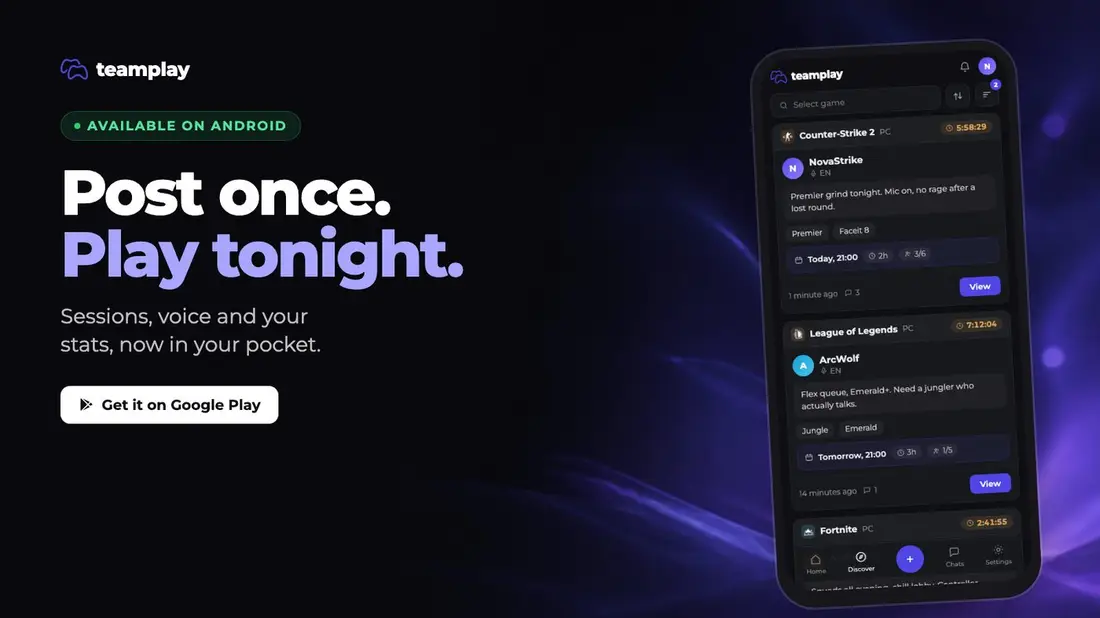
We haven't written in a while. Over the last couple of months Teamplay changed in ways that are hard to notice one commit at a time, so here is all of it in one place: an Android app, sessions that live inside your listing, voice built into the session, game stats on the listing itself, and notifications that finally behave.
Teamplay is now an Android app
The thing that kills a squad is not a missing feature, it is a message you saw an hour late. An invite lands while the tab is closed, the session fills, and by the time you open the site everyone has already played.
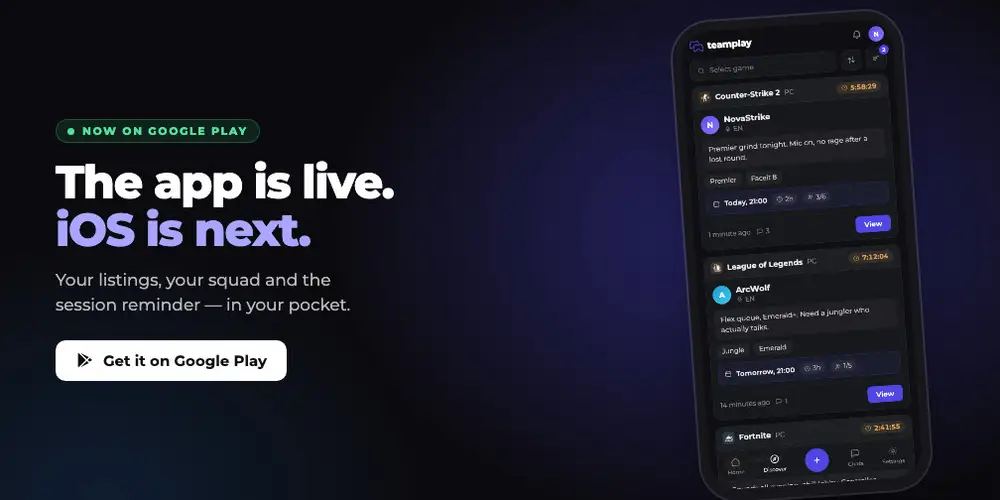
The app fixes exactly that. Same account, same listings, same sessions, with invites, chat messages and session reminders arriving on your phone instead of in a browser tab you closed this morning. iOS is next.
One listing, as many sessions as you need
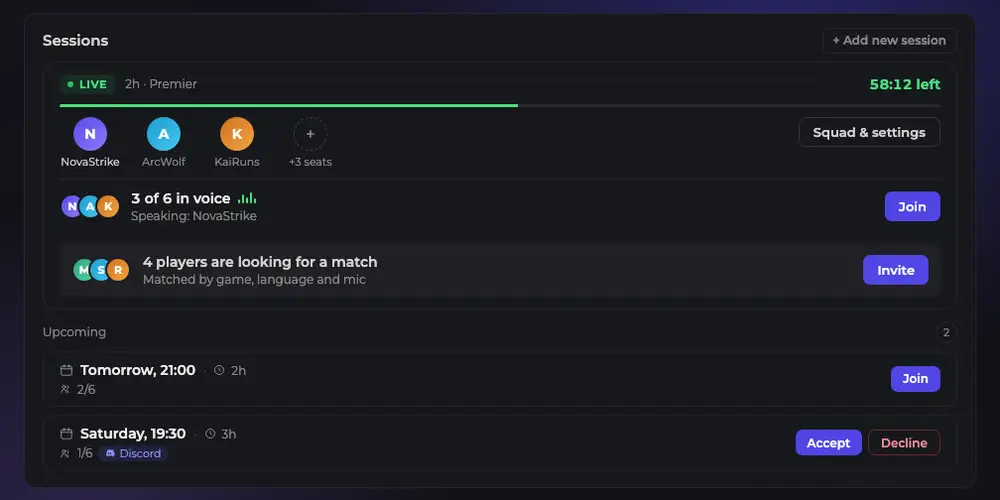
Sessions now live inside the LFG post itself. You write the listing once, and from then on it is the place where playing actually gets organised.
- Go Live Now when you are ready to play, and the listing starts collecting people immediately.
- Schedule a session for tonight, tomorrow or the weekend, and everyone in it gets reminded before it starts.
- Schedule several. Each one gathers its own players, so a squad that cannot make 21:00 can take Saturday instead.
- Invite the people you want. They accept in one tap, and an invite that comes to you sits in the post until you answer it.
That last part matters more than it sounds. Before, a listing was one shot: one time, one squad, and if the time did not work for you there was nothing to do but scroll on.
Voice is built into the session
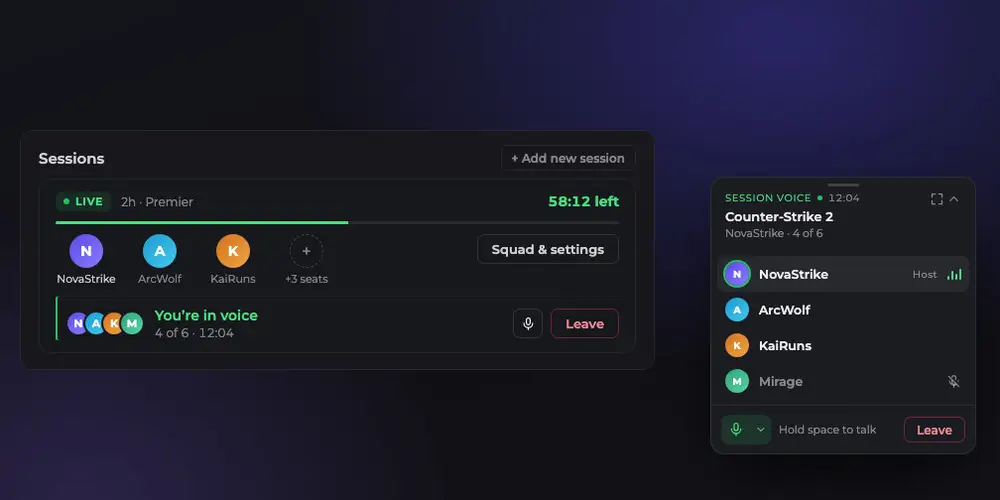
We built our own voice chat and attached it to the session. Open the listing, join the room, talk. There is no server to set up, no invite link to chase and nothing to install.
Group voice is for the whole squad. Video calls and screen sharing are one-to-one, from any chat, which is the shape those conversations usually take anyway.
Discord is still an option, not a leftover: pick it when you create the session and the bot opens a temporary channel for the squad instead.
Your stats, on the listing
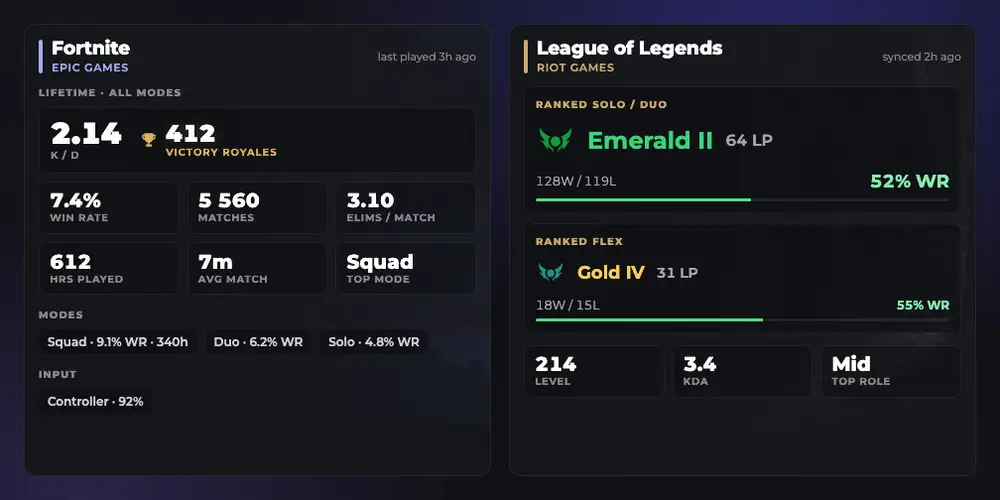
Five games are wired up: Fortnite, League of Legends, Counter-Strike 2, Dota 2 and Destiny 2. Link the platform the game runs on, and the numbers that game actually tracks show up right in your listing.
Not every game has a rank, and we do not invent one. League of Legends brings its tier and LP, Counter-Strike 2 brings a career aggregate with win rate, ADR and hours, Dota 2 brings matches, win rate and GPM, Fortnite brings K/D and wins, Destiny 2 brings Power and class. Whatever the game reports honestly is what appears.
The point is not the numbers, it is the five seconds before someone joins you. Rank, hours and role answer "who am I sitting down with" without a single message being exchanged. You can hide any of it in Settings.
Notifications, sorted
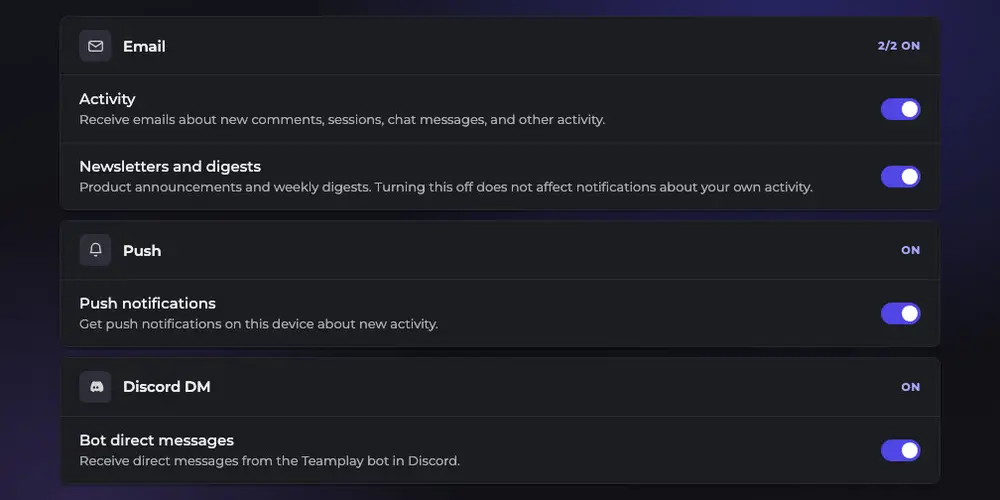
A late invite is a missed session, so we rebuilt how updates reach you when you are not sitting in the app. Email, push and Discord DM each have their own switch in Settings. Set it once and it stays.
Email got the same treatment. Every letter carries a one-click unsubscribe that turns off exactly what that letter promised, not everything we ever send, and you can turn it back on from the same page.
Tell us what you think
There is a feedback window on every screen. Something broken, something missing, something you would do differently: we want to hear it. We read every message, and the reply comes from [email protected].
Plenty more is in the works, and a long list of quiet fixes has already landed. The best way to see what changed is to open a listing and play something tonight.
The Teamplay team
Playing something tonight? Post an LFG, even if it is for later in the week.